In order to pass data via the API and into the CRM, you would need your API key. These credentials will need to be used on all your API sites.
1. Navigate to the Administration > Accounts tab within the CRM menu.
2. Click on the Edit tab

3. On the right side of the Accounts page, you will see the Keys section
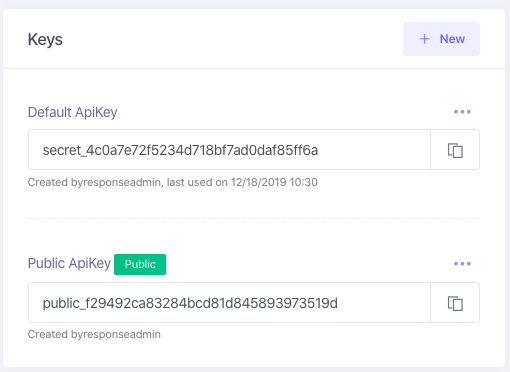
4. The Default ApiKey is what you will use for your API integrations. You can also create more keys as needed, as well as enable/revoke existing keys. by clicking on the three dotted icon

Note: This key should not be given to anybody other than your development team.
Note: The Public ApiKey is used for ChargeBack Defense and not intended for API integrations.