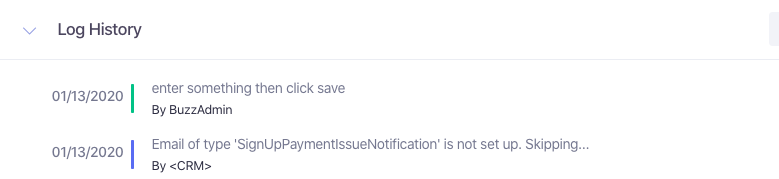
The Customer profile houses all the customer’s contact information, payment information, transaction history, and log history. The Log History displays all activity that has occurred within the customer's account. It will display all the dates and times of all transactional history, fulfillment history, customer profile changes, and entered agent notes. If an action is performed from a user on a customers account, then that action will be logged in the Log History along with the user Username and date/time of the action.
To view the Log History and to add notes to the log, navigate to the customer's profile and scroll down to Log History.
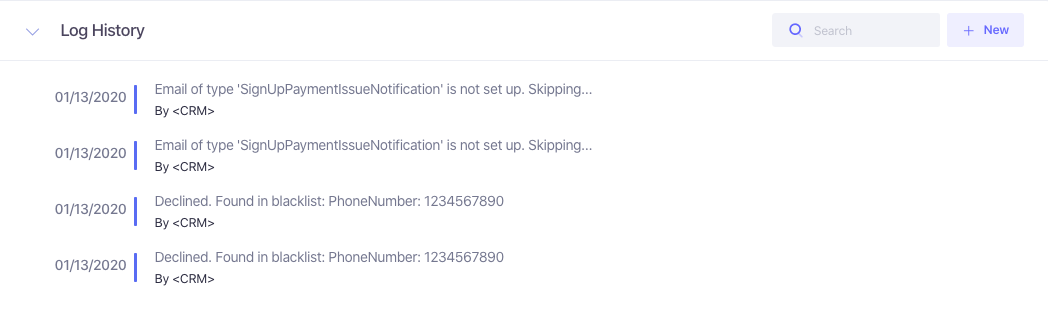
To enter a new note to the log, click on the "+ New" button.
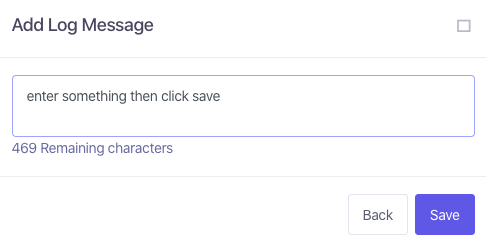
Enter the notes that you need and then click Save, and then it will be displayed in the Log History.